Getting started on motu · Article 3
Submitting your first solution
7 min read
Submitting is where the learning really happens. Here's what to expect, so nothing's a surprise.
What you'll need
When you submit, we ask for:
- A title that says what you built and how, like "Ticket card using Flexbox"
- Your GitHub repository link. We read your code straight from here.
- Your live site link
- The tools you used, up to 5 tags (you don't need to add HTML, CSS or JavaScript)
Your retrospective
Then you answer three short questions:
- What are you most proud of, and what would you do differently next time?
- What challenges did you run into, and how did you get past them?
- What specific parts would you like help with?
Be specific in the third one. "Is my CSS OK?" gets vague answers. "My card isn't centred vertically on mobile. Is min-height: 100vh the right approach?" gets great ones.
Reading your AI review
A minute after you submit, your review arrives:
- An overall score out of 10
- Three scores: code quality, design and UX, and documentation
- A summary of what's strong and the single biggest thing to improve
- What stood out: one strength, one suggestion and one thing that needs attention
Low documentation score? That's almost always a missing README. Use the README template in your starter files.
Improve it
Fix what the review flagged, push your changes to GitHub, and hit Improve solution. We'll review it again so you can see your scores move.
Look at other people's builds
Once you've submitted, you can see everyone else's solutions to the same challenge. Pick one, look at how they did it, and leave them one useful piece of feedback.
What's next
Time to build. Your first challenge is the Event ticket card. Download the starter, read the README, look at the design, then start with the HTML. Submit when you've got something close to the design.
We'll see you in article 4 once you've shipped it.
Next step…
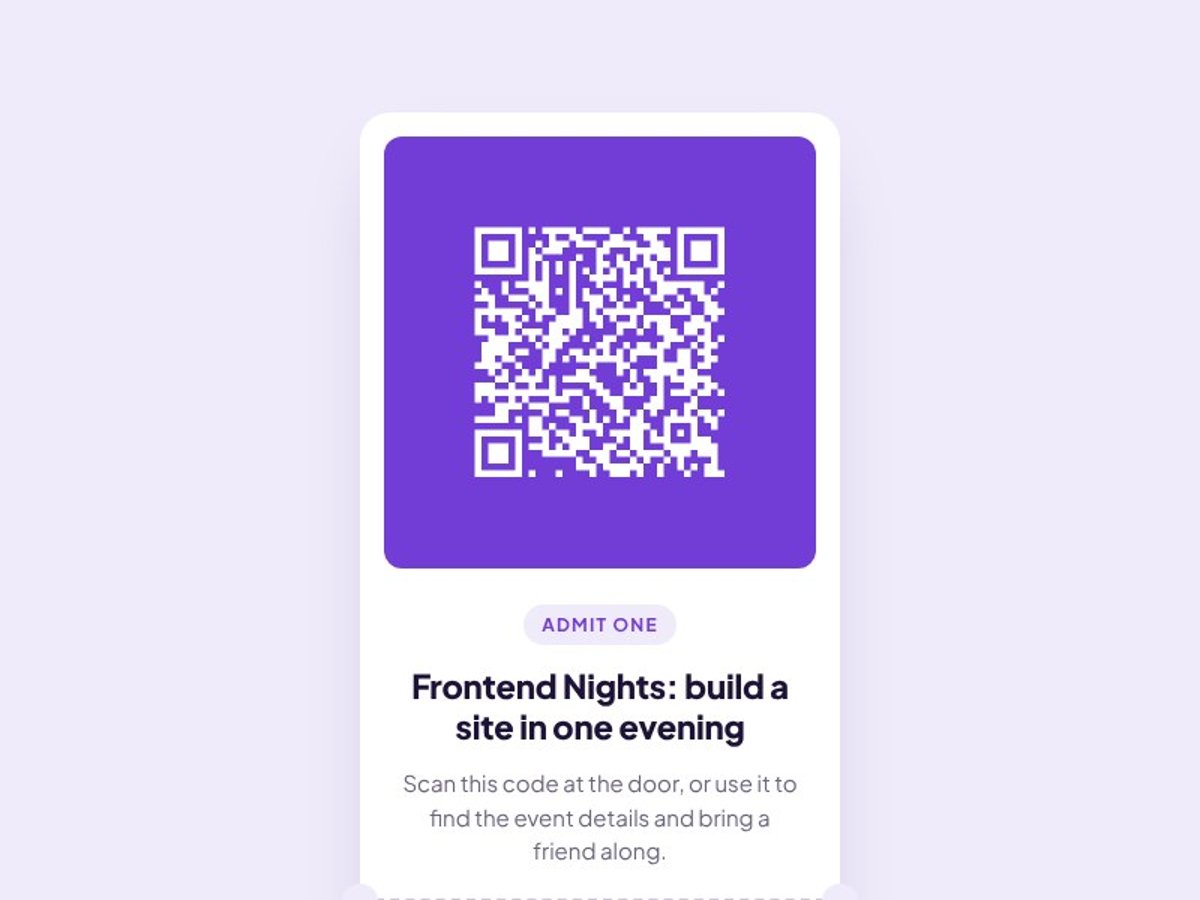
Event ticket card
A perfect first challenge if you’re new to HTML and CSS. The card layout stays the same on every screen, so it’s ideal if you haven’t learned responsive layouts yet.