For learners
Get seriously good at building for the web.
Every challenge is a real brief with a professional design. Every build gets an AI review that tracks your strengths. And every week you get feedback from developers learning alongside you. That's how you get hired.
motu Pro
- An AI code review on every solution you submit
- Re-run your review as often as you like while you improve your code
- Premium projects and professional design files, with new ones every month
25spots left
0 of 25 taken
New · motu Portfolio
Turn your builds into a portfolio that gets you clients
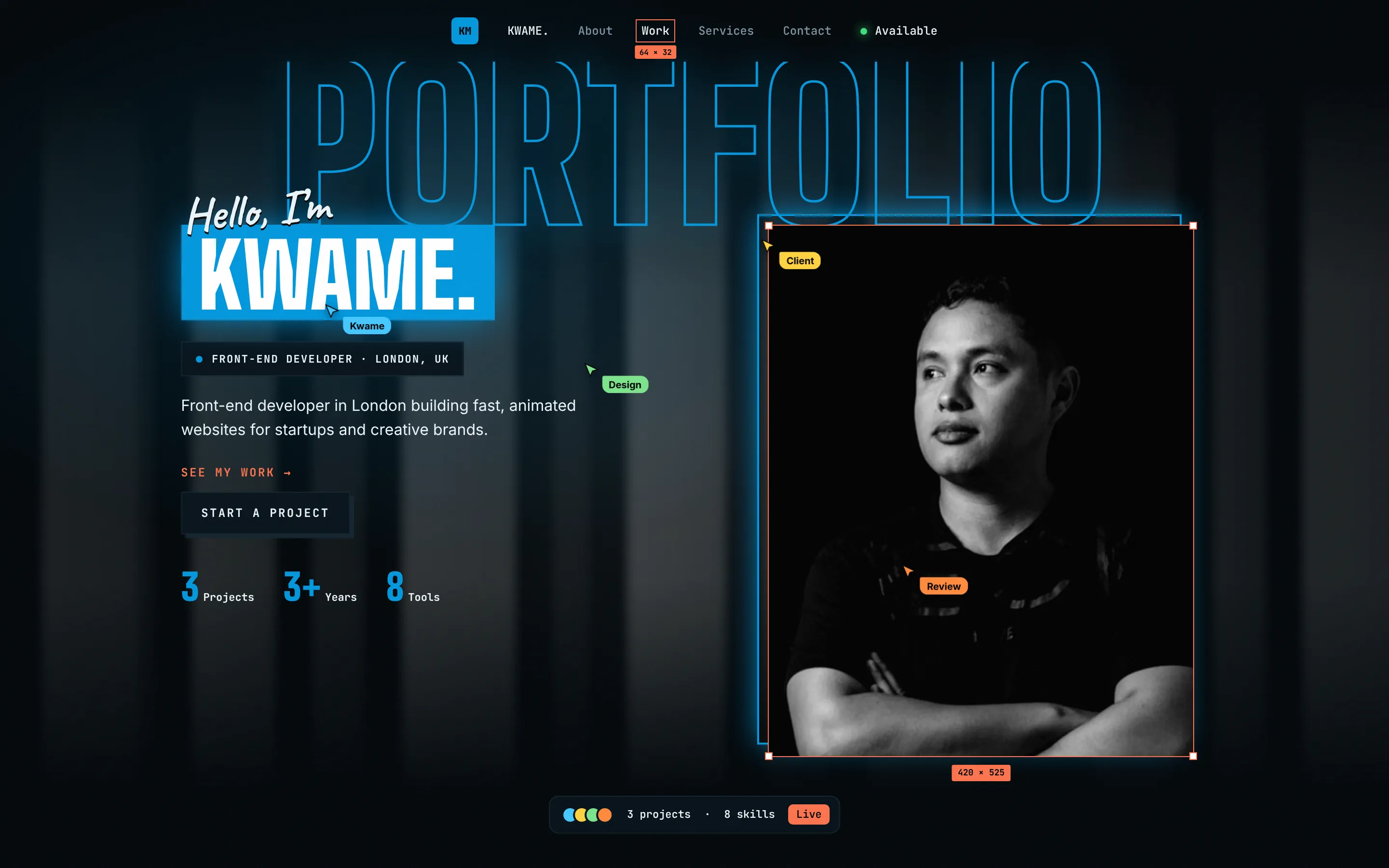
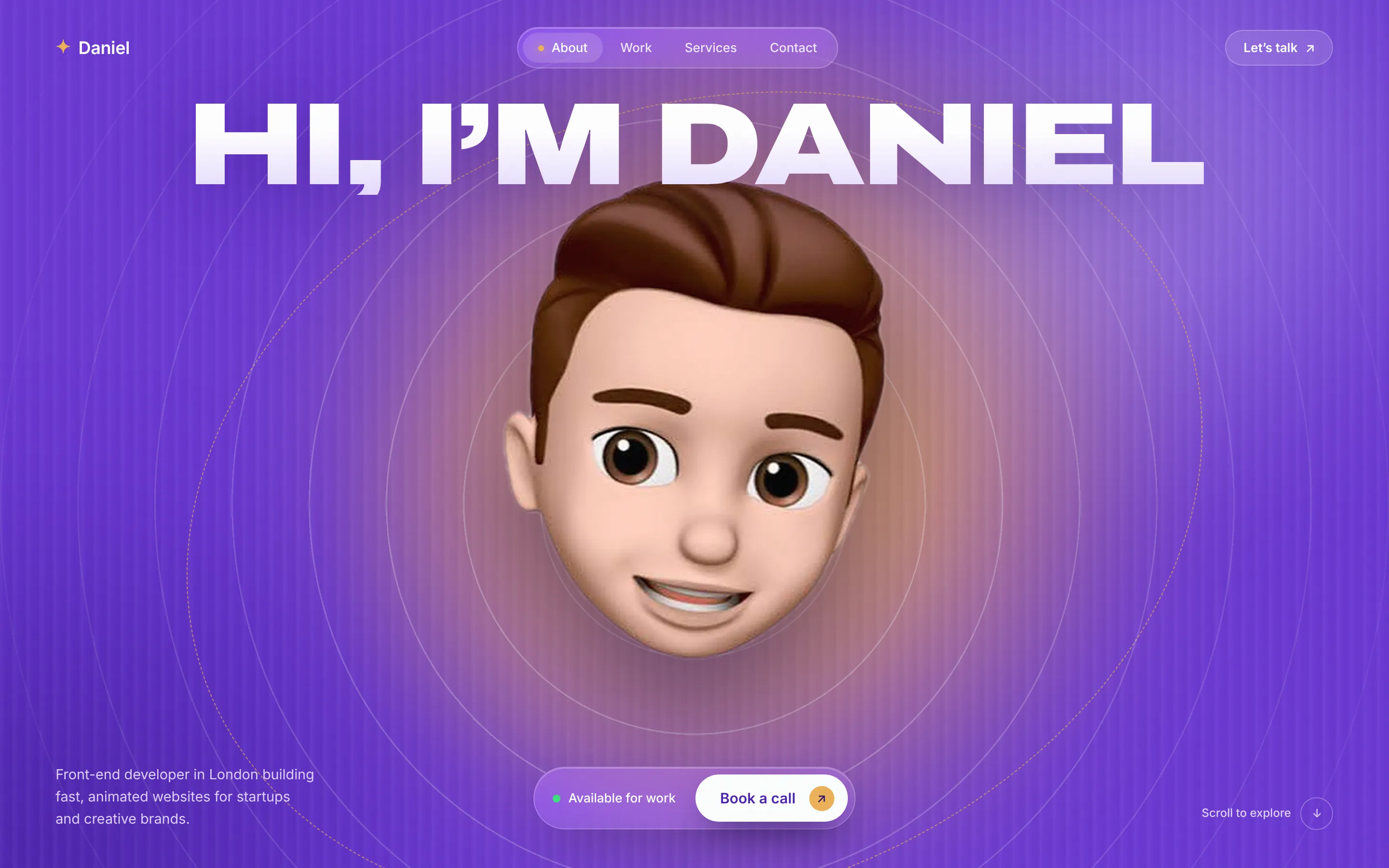
5 designs, AI-written copy, a live link for your bio and the full code. Your motu builds come in automatically. £1, once.
AI code reviews
See how good your solutions actually are.
AI code review
Here’s the kind of feedback you’ll get on your solutions.
Summary
A strong solution with clean, semantic HTML and tidy CSS that’s easy to follow. The biggest opportunity is documentation: there’s no README yet, so adding a short one that explains your approach is the quickest way to make this feel finished.
What stood out
- Strength. Semantic HTML and well-organised CSS make this easy to read.
- Suggestion. Set font sizes in rem instead of px so text respects the reader’s browser settings.
- Needs attention. Add a README explaining your approach so others can give you better feedback.
Latest challenges
Real briefs. Real designs.
Orbit: 3D space travel landing
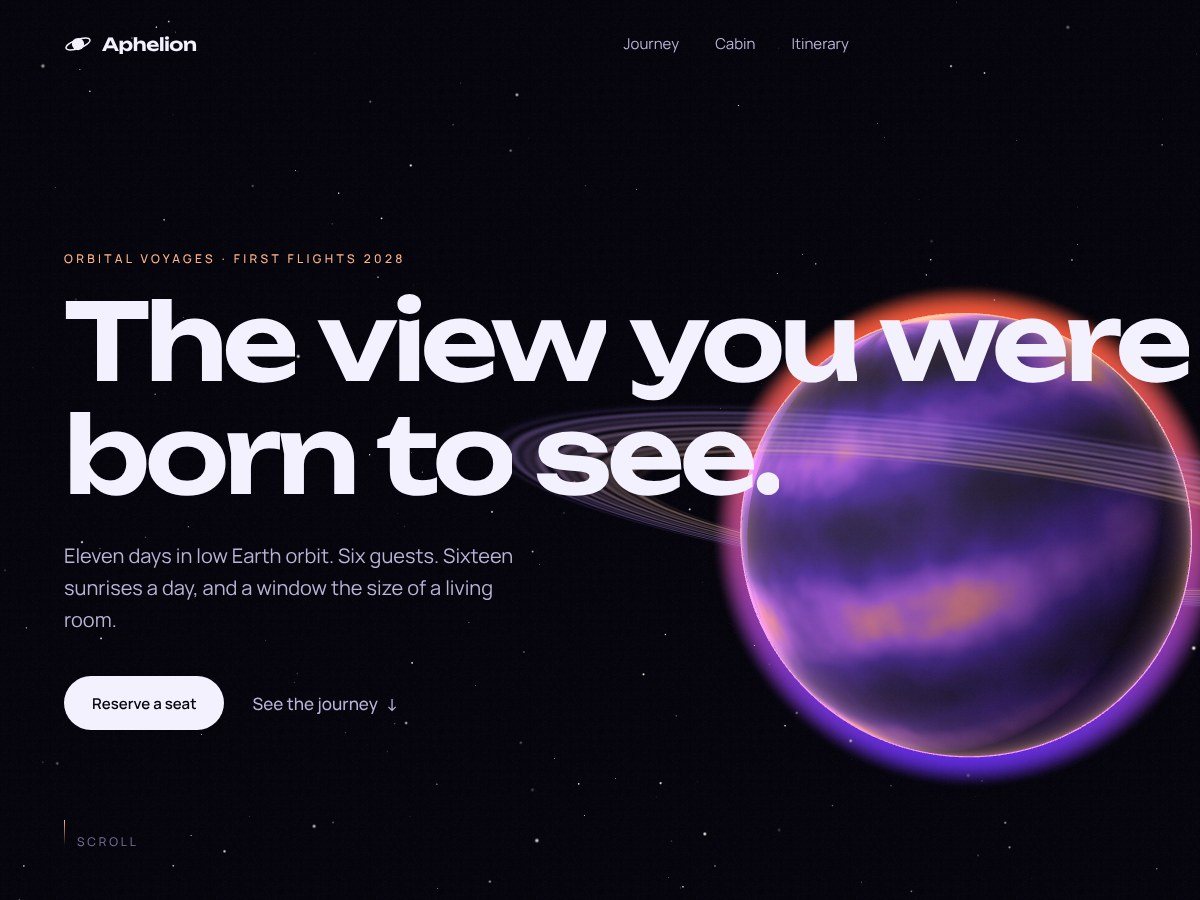
A cinematic one-page site for an orbital travel company: a glowing 3D planet with rings and stars, and a camera that flies through five scenes as you scroll.
Link-in-bio profile card
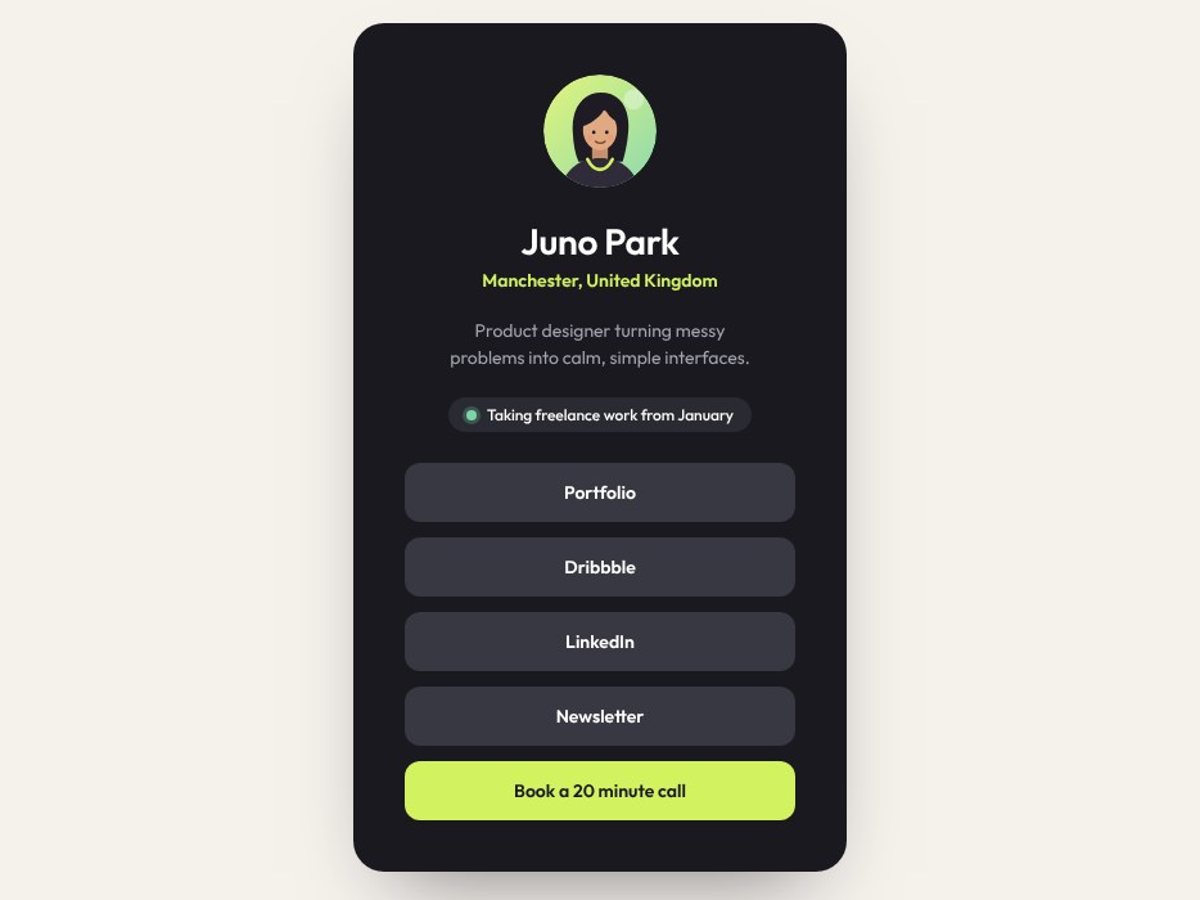
Build a link-in-bio card for a freelance designer. Your first taste of hover states, and the kind of page every creator on Instagram needs.
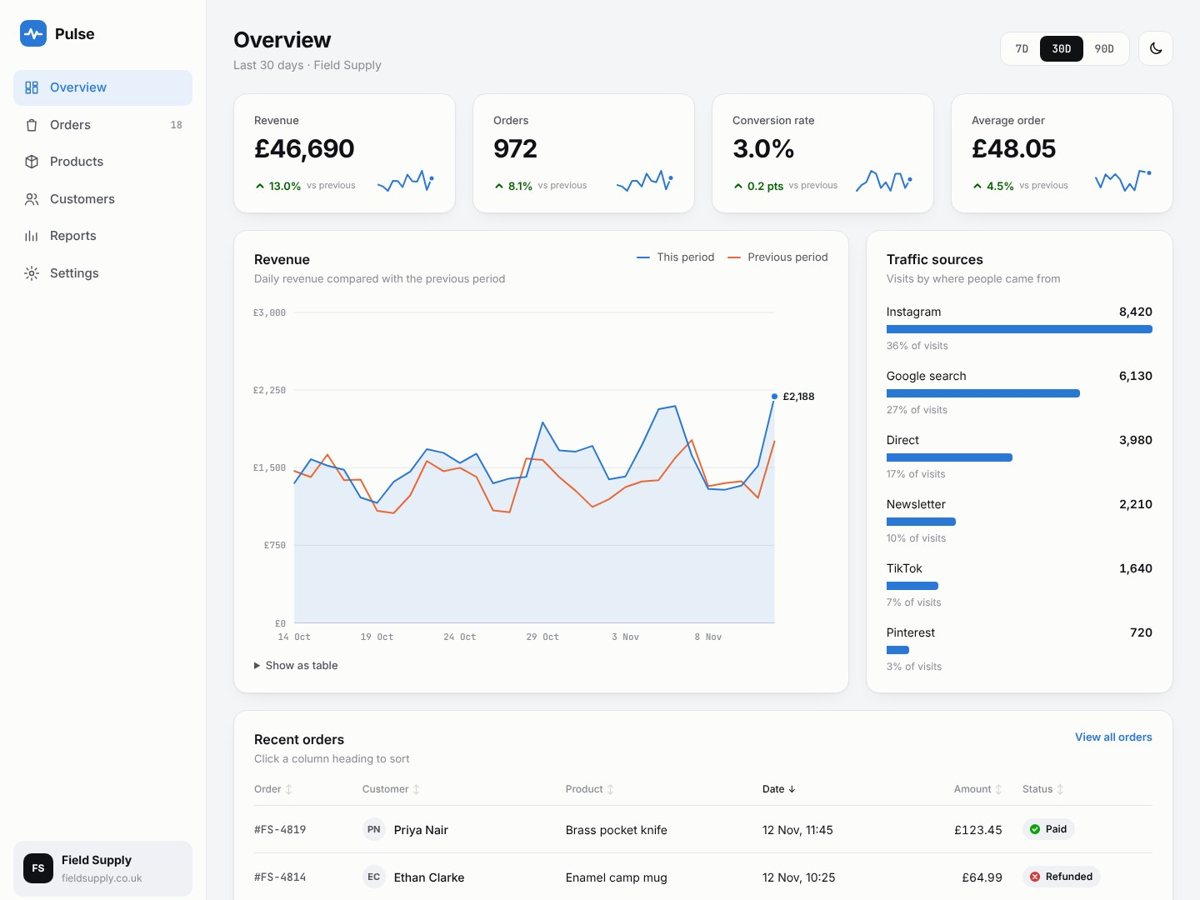
Pulse: analytics dashboard
A real app screen: an online shop dashboard with stat cards, a revenue chart, traffic sources and a sortable orders table, all drawn from JSON. With dark mode.
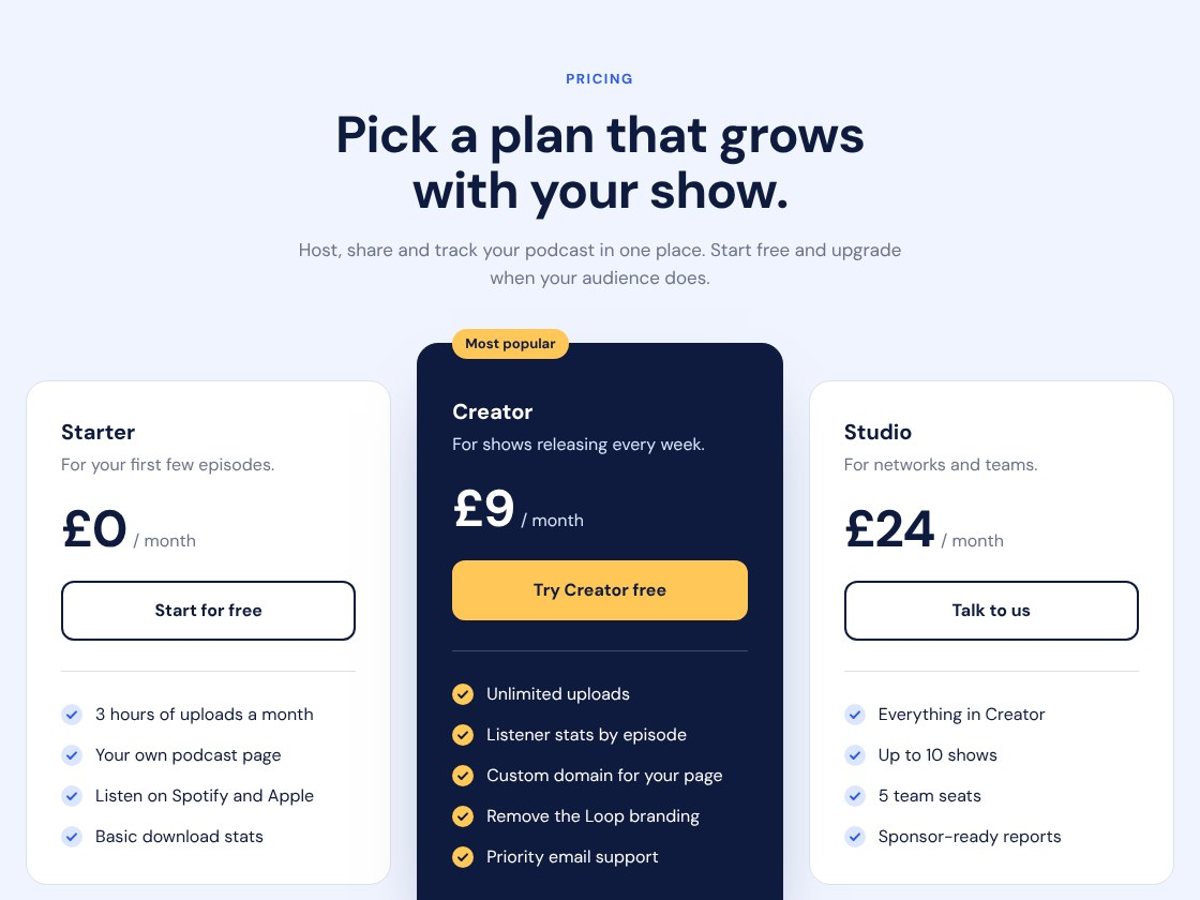
Pricing plans section
Three pricing cards for a podcast app, with a featured plan in the middle. Your first responsive layout: side by side on desktop, stacked on a phone.
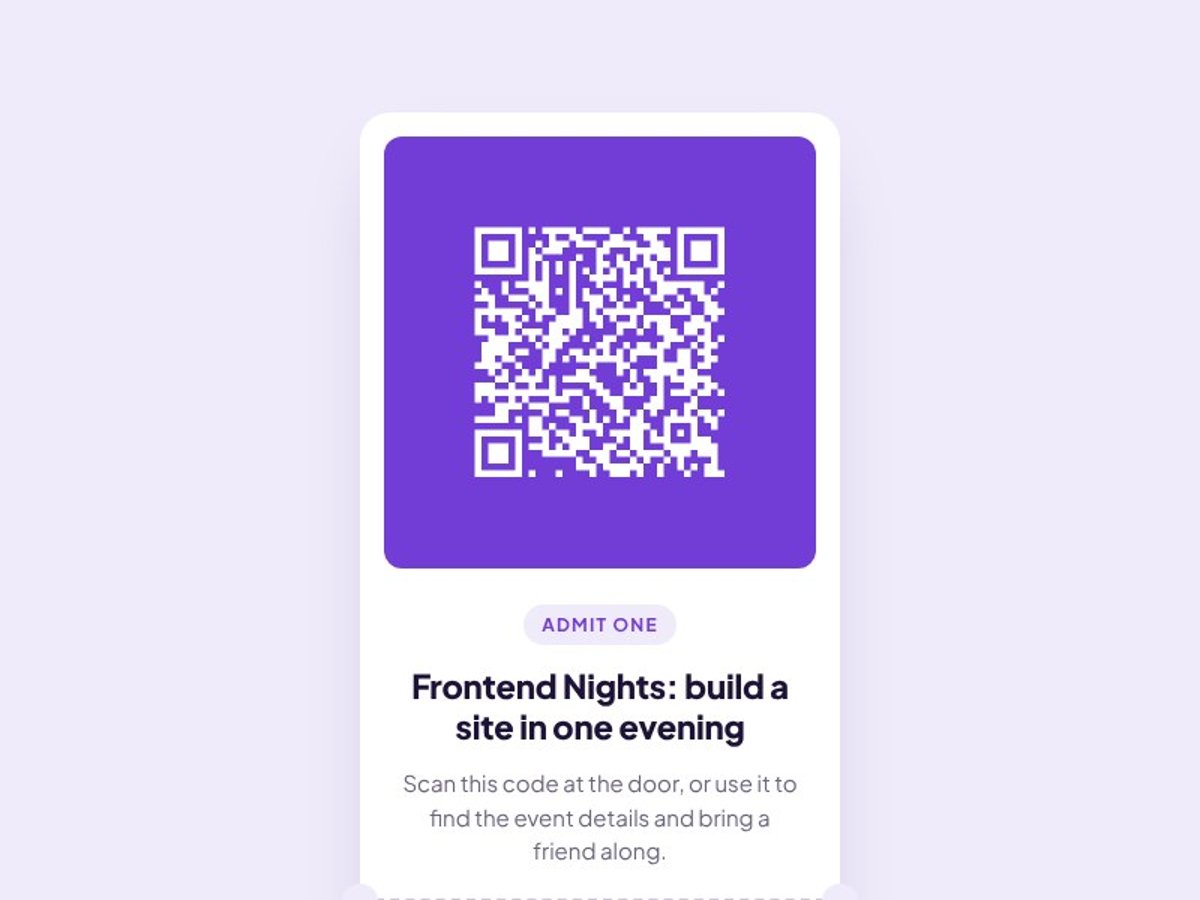
Event ticket card
A perfect first challenge if you’re new to HTML and CSS. The card layout stays the same on every screen, so it’s ideal if you haven’t learned responsive layouts yet.
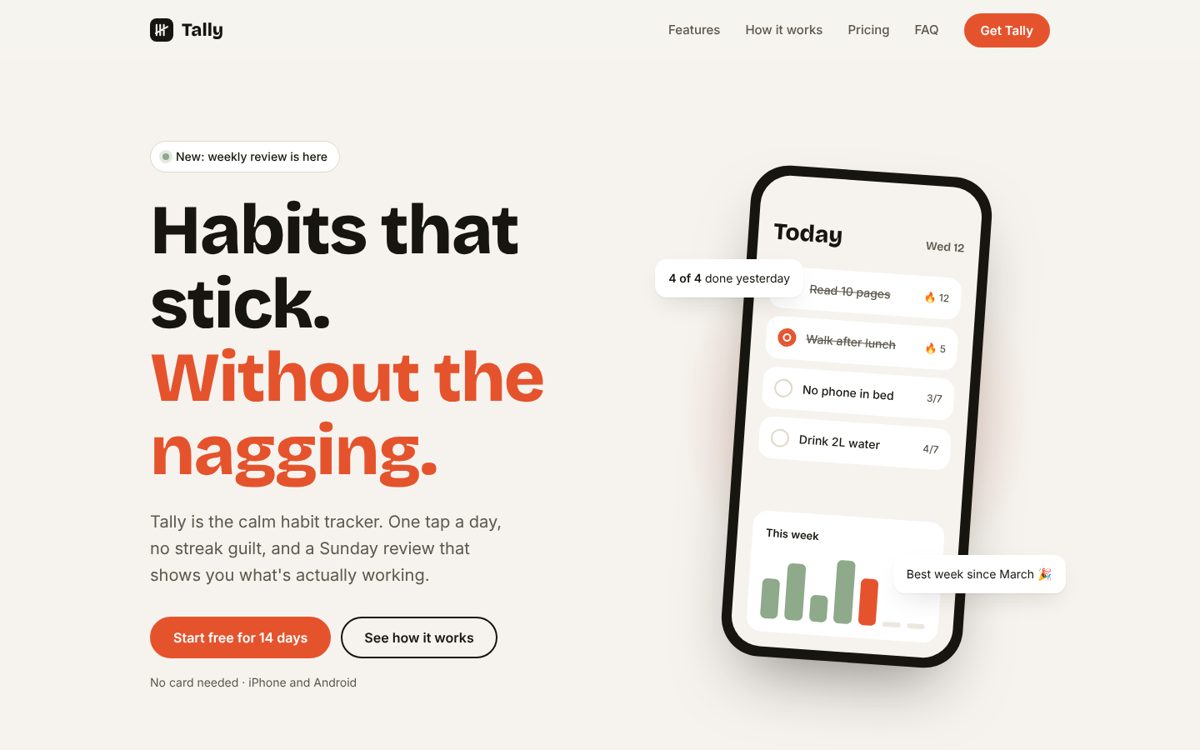
Tally: habit app landing page
Build a calm, fully responsive launch page for a habit tracker app, with a mobile menu, a pricing toggle and an FAQ. Great practice for layout across three screen sizes.
How it works
From brief to portfolio piece in four steps.
1
Pick a challenge
Choose from real-world website projects across 5 difficulty levels, from your first profile card to dashboards and 3D scenes. A new one lands every week.
2
Build it your way
Use any stack you like. Hand-code the early levels, then bring in AI tools like Claude and Cursor as the projects get bigger.
3
Get reviewed
Submit for an AI review that flags issues line by line, then get feedback from the community.
4
Level up
Move on to harder briefs and review other developers' builds. Explaining code is how you master it.
Why motu
Why developers build with motu.
You build, not watch
No hour-long videos to sit through. You learn by finishing real projects, which is how the skill actually sticks.
A portfolio that stands out
Every challenge is a professionally designed site: landing pages, shops, dashboards, scroll animation and 3D.
Practise working with AI
Learn where AI speeds you up and where it gets things wrong, using the tools working developers use every day.
Developers who help each other
Share builds, give feedback and get unstuck in a Discord full of people learning the same thing.
motu Pro
Build faster with Pro.
Everything you need to go from practice projects to client-ready work.
A review on every build
Unlimited AI reviews, so every project gets checked before it goes in your portfolio.
Premium challenges
Bigger, multi-scene builds with mobile, tablet and desktop layouts and a full design system. Built to be your showpiece.
The full asset packs
The images, video, fonts and frames for every challenge, so you build with the same assets a real client would hand you.
For teams
For agencies and hiring teams.
Train your developers
Give junior developers real-world challenges and AI reviews, and see exactly where their skills need work.
Explore teamsHire on real work
Find developers by what they've actually built, not their CV. Browse finished builds and hire from the community.
Explore hiringLevels
Start where you are. Climb from there.
Every build earns XP. Rank up from Rookie to Elite, and Elite unlocks the Inner Circle: a private group of experienced developers.
- 01Newbie
Cards, profiles and pricing sections. HTML and CSS foundations.
Browse → - 02Junior
Full landing pages that work on every screen.
Browse → - 03Intermediate
App screens with JavaScript: dashboards, charts, data.
Browse → - 04Advanced
Motion, scroll animation and page transitions.
Browse → - 05Guru
3D scenes and the builds clients pay the most for.
Browse →
Your first real project takes 30 minutes.
The Getting started path is free: short articles and small builds that teach you how motu works while you ship real projects. No card needed.
Get new challenges first
One email when a new challenge drops. Nothing else.